If your eyes feel dry, tired, or sore by the end of a long work day, you are not alone. Learning how to reduce eye strain from screens is one of the simplest ways to make desk work more comfortable, because most of the discomfort comes from habits you can change, not from the screen itself.
Eye strain from screens is usually a mix of small things adding up: blinking less, sitting too close, working in harsh light, and staring at one fixed distance for hours. The good news is that each of those has a simple fix, and none of them costs anything. This guide walks through practical changes you can try today, starting with the easiest one.
Key Takeaways
- Look away from your screen every 20 minutes and give your eyes a short distance break.
- Place your monitor at eye level and about an arm’s length away to cut down on glare and squinting.
- Match your screen brightness to the room and take real breaks away from screens during the day.
Why Screens Tire Your Eyes
Your eyes were not built to stare at one fixed distance for eight hours straight. When you focus on a screen, you blink less often than usual, which means your eyes dry out faster. At the same time, your eye muscles stay locked on a near target without the natural variation they get when you look around a room or out of a window.
Glare makes things worse. A bright window behind you, an overhead light reflecting off the screen, or a screen that is much brighter than the room can all force your eyes to work harder. So does text that is too small: if you catch yourself leaning forward to read, your setup is asking too much of your eyes.
How to Reduce Eye Strain from Screens with the 20-20-20 Rule
The best-known habit for tired eyes is also the simplest. Every 20 minutes, look at something about 20 feet away for about 20 seconds. That short pause lets your focusing muscles relax and reminds you to blink fully a few times.
You do not need a special app to make this work, although a timer can help at first. Try linking the habit to something you already do: look out of the window while your coffee brews, glance across the room when you finish an email, or stand up and look down the hallway between tasks. The exact distance matters less than the break itself. What counts is regularly shifting your focus away from the screen instead of holding it for hours.
Your eyes were not built to stare at one fixed distance for eight hours straight.
Set Up Your Desk So Your Eyes Work Less
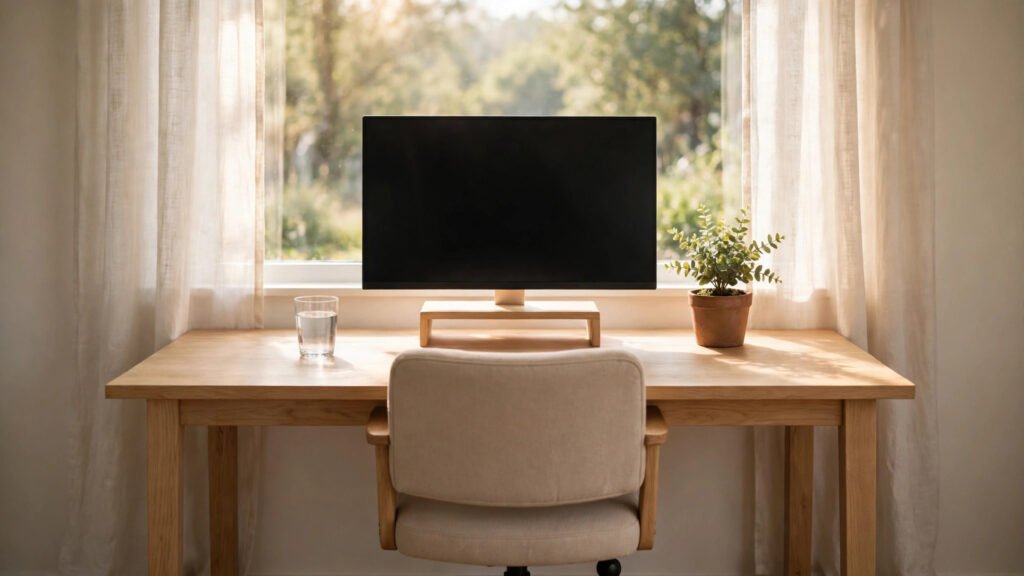
A few small desk changes can take a surprising amount of strain off your eyes. Start with position: the top of your monitor should sit roughly at eye level, so you look slightly downward at the centre of the screen, and the screen should be about an arm’s length away. If you use a laptop, a stand and a separate keyboard can bring the screen up to a comfortable height.
Next, deal with light. Sit so that windows are to your side rather than directly in front of or behind you, and close blinds partway if sunlight hits the screen. Match your screen brightness to the room around you: a glowing screen in a dark room and a dim screen in a bright room both make your eyes work harder. Good desk posture helps here too, because sitting upright at the right distance keeps you from creeping closer to the screen as the day goes on.
Adjust Your Screen Settings
Most devices already have settings that make long reading sessions easier. Increase the text size until you can read comfortably without leaning in, and use your device’s display settings to warm the screen colour in the evening if bright white light bothers you at night. Keep in mind that a warmer colour does not replace breaks; it is a comfort setting, not a cure.
Clean your screen now and then as well. Dust and smudges scatter light and reduce contrast, which quietly adds to the effort of reading. A quick wipe with a soft cloth takes seconds and makes text noticeably sharper.
Build Real Breaks into Your Day
Short breaks away from screens are the most powerful tool you have, and they help more than just your eyes. Step away from your desk for a few minutes, walk around, get water, and let your eyes rest on distant objects. These pauses also help with the afternoon energy slump that hits many desk workers, since movement and daylight wake you up more reliably than another hour of staring.
It also helps to keep some parts of your day screen-free on purpose. An evening wind-down routine without screens gives your eyes a longer recovery window before bed, and many people find they sleep better when the last hour of the day is not spent scrolling.
- Every 20 minutes, look at something far away for about 20 seconds.
- Keep your monitor at eye level, about an arm’s length away.
- Match screen brightness to the room and reduce glare from windows and lamps.
- Increase text size instead of leaning closer to read.
- Take real breaks away from screens, and keep evenings lighter on screen time.
When to Get Your Eyes Checked
General habits help most everyday screen discomfort, but they do not replace professional care. If your eyes often hurt, if headaches or blurred vision keep coming back, or if discomfort does not improve after changing your setup and break habits, it is worth booking an eye check. An eye care professional can check your vision and rule out issues that no desk adjustment can fix.
What to Watch Next
The main points are simple: look away regularly, set your monitor at eye level and an arm’s length away, match brightness to the room, and take real breaks away from screens. Start with the 20-20-20 habit and one desk change today, then add the rest over the week. Small, steady changes are what make long screen days easier on your eyes over time.