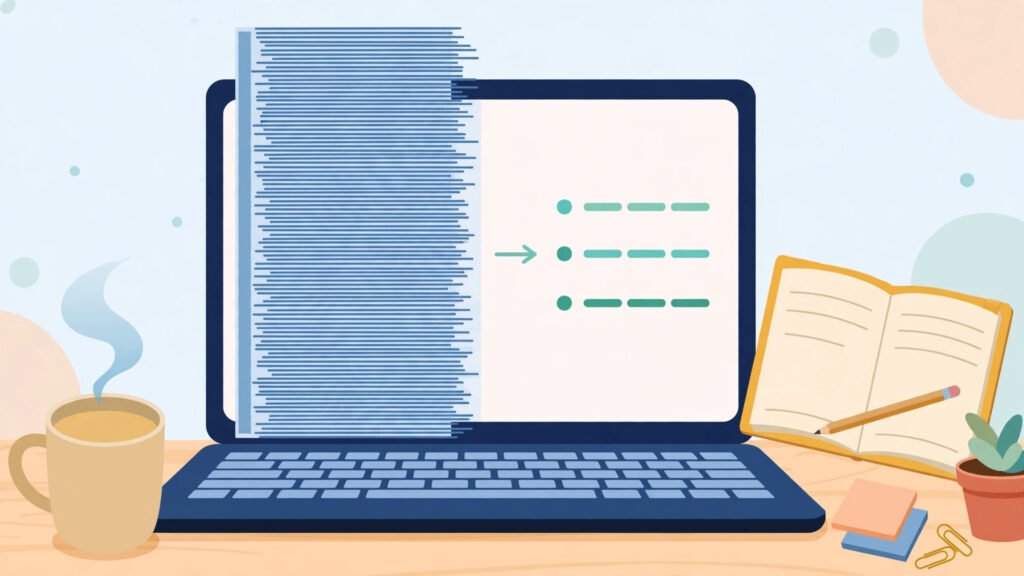
Learning how to use AI to summarize a PDF can turn a long report, manual, or research paper into something you can actually use in a few minutes. The goal is not to skip reading altogether. It is to get the main points first, so you know where to spend your limited reading time.
Used well, a summary helps you decide whether a document matters, prepare for a meeting, or revise for an exam. Used carelessly, it can hide an important detail or twist the meaning of a section. The difference is in how you ask and how you check the result.
Key Takeaways
- Start with the document’s purpose and main findings before asking for details.
- Ask for structure — headings, key points, and open questions — instead of one long paragraph.
- Always check important claims against the original pages before you act on them.
How to Use AI to Summarize a PDF Step by Step
Start by opening the document yourself for a minute. Read the title, the introduction, and the headings. This quick scan tells you what the document is about and what a good summary should cover, so you can judge whether the AI output is on track.
Next, upload the file to an AI tool you trust and be clear about what you want. A vague request such as “summarize this” often produces a vague answer. A better request names the audience and the length, for example: “Summarize this report in five bullet points for a busy manager, and list any decisions or deadlines it mentions.”
If the document is very long, work through it in sections rather than asking for everything at once. Summarize one chapter at a time, then ask for a short overview of all the section summaries together. This keeps the result focused and makes mistakes easier to spot.
Ask Better Prompts for a Clearer Summary
Good prompts give the tool a job, not just a topic. Ask it to separate facts from recommendations, to flag anything that is unclear, and to note where the document itself is uncertain. That structure is far more useful than a smooth paragraph that hides gaps.
For study or work, try asking for three things: the main argument, the evidence behind it, and what is still missing. If you are preparing a presentation, ask for the points a reader would most likely ask about. When you need meeting notes turned into action items, the same habit applies: ask for owners, deadlines, and next steps, not just a general recap.
The difference is in how you ask and how you check the result.
Check the Summary Before You Trust It
An AI summary is a starting point, not a verified fact. Before you quote it, share it, or act on it, open the original PDF and check the sentences that matter most. Numbers, dates, names, and recommendations deserve a second look, because a small error there can change a decision.
Watch for signs that the summary may be unreliable. If it states something the document never says, contradicts an earlier section, or sounds too confident about a topic the document treats as uncertain, go back to the source pages. Keeping the original open while you read the summary makes this check quick.
It also helps to research a big purchase with AI in the same careful way: compare the summary with the source, look for missing conditions, and treat confident-sounding claims as questions to verify rather than answers to accept.
- Skim the title, introduction, and headings first.
- Ask for bullet points, decisions, and open questions.
- Summarize long documents section by section.
- Verify numbers, dates, and recommendations in the original.
When a Summary Is Not Enough
Some documents should not be reduced to a summary at all. Contracts, medical guidance, safety instructions, and exam material need careful reading in full, because a missed condition can matter more than the main point. In those cases, use the summary only as a map that shows you where to read closely.
A good routine is to read the summary, mark the sections it points to, and then read those sections yourself. You still save time, but the important details come from the original, not from a second-hand version. Pairing this habit with a distraction-free workspace at home makes that focused reading much easier to finish.
What to Watch Next
To use AI to summarize a PDF well, skim first, ask for a structured summary, work section by section on long documents, and check the important claims against the original before you rely on them. Keep summaries for orientation and quick decisions, and read the full text whenever the details themselves carry the risk. That balance gives you speed without giving up accuracy.