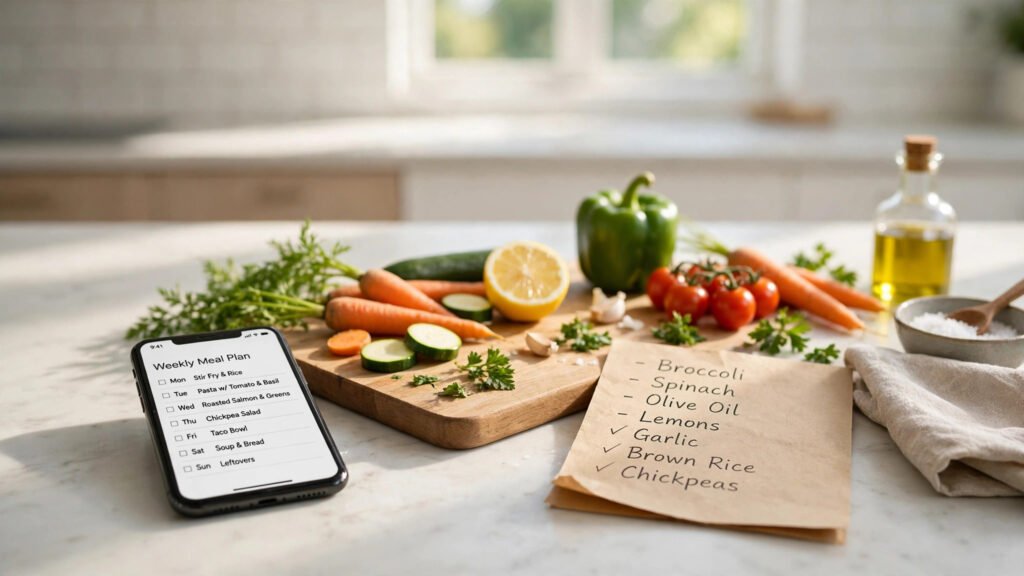
Deciding what to cook every night can take more energy than the cooking itself. If you want to know how to use AI to plan a weekly meal plan, the good news is that you do not need any special software or skill. A general AI chatbot, a few clear details about your household, and ten minutes of checking can turn a blank week into a simple plan and a short shopping list.
The trick is to treat the AI as a drafting helper, not a final decision-maker. You set the limits, it suggests the meals, and you adjust anything that does not fit your taste, schedule, or budget. Done this way, weekly planning becomes a habit you can actually keep.
Key Takeaways
- Start with what you already have in the kitchen, so the plan uses up ingredients before you buy more.
- Give the AI clear limits on budget, cooking time, and dietary needs, and it will suggest meals that fit your real week.
- Always check the plan yourself, then turn it into one shopping list grouped by store section.
How to Use AI to Plan a Weekly Meal Plan Step by Step
Begin with a short prompt that covers the basics. Tell the AI how many people you cook for, how many nights you want to cook, and how much time you have on a normal weekday. Add anything it must avoid, such as an allergy, a food you dislike, or a diet you follow. The more specific you are, the fewer useless suggestions you will get.
Ask for one main meal per day, plus a simple note on what each meal uses. A useful follow-up is to ask the AI to reuse ingredients across the week. For example, rice cooked on Monday can become a fried-rice base later in the week, and roasted vegetables can fill both a dinner plate and a next-day lunch bowl. Reuse is what keeps both waste and cost down.
When the first draft comes back, read it like an editor. Swap out any meal your family will not eat, any dish that needs equipment you do not own, and any recipe that takes far longer than your evening allows. A plan you enjoy is the only plan you will follow twice.
Start With What You Already Have
Before you ask for ideas, open your fridge, freezer, and pantry and note the main items: grains, canned goods, frozen vegetables, and anything that will spoil in the next few days. Tell the AI to build around those items first. This step alone can cut the shopping list noticeably, because the plan stops duplicating things you already own.
If you like batch cooking meals for the week, ask the AI to mark one or two meals as cook-once, eat-twice dishes. A large pot of soup or a tray of roasted vegetables can cover dinner one night and lunch the next, which saves both cooking time and washing up.
A plan you enjoy is the only plan you will follow twice.
Turn the Plan Into a Shopping List
Once the meals are settled, ask the AI to turn the plan into a single shopping list, grouped by section: produce, dairy, meat or alternatives, grains, and pantry. A grouped list is faster to shop from and harder to mess up than a list ordered by meal.
Then compare that list against what you already noted in your kitchen and cross off duplicates. This is also the moment to check the total against your usual grocery spending. If the list looks long, ask the AI to replace one or two meals with simpler ones using cheaper staple ingredients. Learning how to build a grocery budget that actually sticks pairs well with this step, because the weekly plan gives your budget a concrete number to work with.
- One main meal per day is enough to start; do not plan every snack and side at first.
- Repeat one or two staple ingredients across several meals to reduce waste.
- Keep one flexible night for leftovers or a simple pantry meal.
- Group the shopping list by store section before you leave the house.
Keep the Plan Flexible
Real weeks rarely go exactly as planned. A late meeting, a tired evening, or a surprise guest can break a rigid schedule, so build in one flexible night. That can be a leftovers night, a simple sandwich or omelette night, or a meal you can move to another day without waste.
The same planning habit works beyond the kitchen. Once you are comfortable giving an AI clear limits and checking its draft, you can use the same approach for other kinds of planning, such as using AI to plan a trip, where dates, budget, and interests play the same role as cooking time and dietary needs do here.
Finally, save the prompts that worked well. Next week, you can reuse the same structure and only change the ingredients, the season, or the number of cooking nights. After a few weeks, planning takes minutes instead of an evening of indecision, and the fridge stops holding forgotten food.
What to Watch Next
Start small, check every suggestion before you shop, and keep one flexible night in the week. Over time, your saved prompts, your reused ingredients, and your grouped shopping list will make weekly meal planning a short routine rather than a daily question.