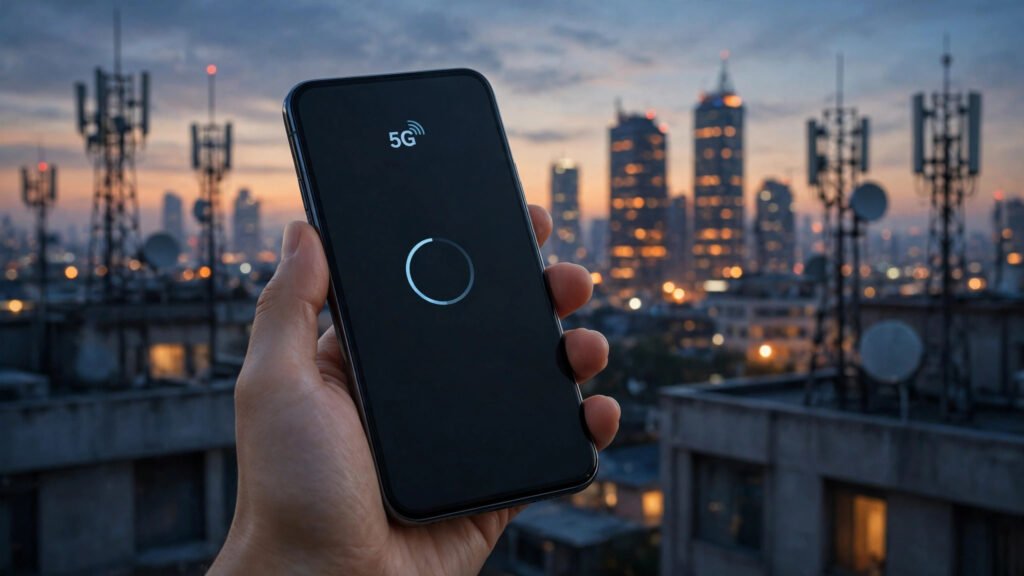
If your phone shows 5G in the United States but videos still buffer and pages still crawl, you are not imagining the mismatch. The 5G icon only tells you what kind of network your phone is connected to — it does not promise a particular speed. In a country as large and varied as the United States, where coverage, network types and congestion change from one neighbourhood to the next, that difference matters a lot.
Key Takeaways
- The 5G icon shows the type of connection, not the speed you will actually get.
- Not all 5G is the same: some 5G coverage travels far but behaves much like 4G, while faster 5G covers a much smaller area.
- Congestion, indoor signal loss, background apps and phone settings are among the most common reasons a 5G phone still feels slow.
5G Is Not One Single Speed
One of the biggest sources of confusion is that the word 5G covers several different kinds of coverage. Some 5G signals travel long distances and pass through walls more easily, which makes them useful for covering towns, suburbs and highways — but their everyday speeds can feel similar to a good 4G connection. Other, faster forms of 5G can deliver much higher speeds, yet they cover a far smaller area and are blocked more easily by buildings, trees and even windows.
That is why two people in the same city can have very different experiences while both seeing the same 5G icon. One may be on a faster, shorter-range form of 5G near a busy downtown area, while the other is on a longer-range form of 5G further out, where the connection is stable but not dramatically faster. The icon does not tell you which one you are on.
This is the same kind of confusion people face with older networks. As explained in our guide to why 4G can feel slow, signal bars and network labels describe the connection, not the speed you will get from it.
Distance, Buildings and the American Landscape
Distance from the nearest tower is a major factor in the United States, where cities, suburbs, farmland and rural towns sit side by side. In a dense city, towers are close together and coverage is usually strong. In a suburb or a rural area, the nearest tower may be much further away, and the signal has to travel further and pass through more obstacles before it reaches your phone.
Buildings make the problem worse indoors. Concrete, metal, energy-efficient windows and basements all weaken mobile signals. That is why a phone can feel fast on the street outside an office or apartment block, and sluggish once you step inside. If your connection improves noticeably near a window or outdoors, indoor coverage — not your phone — is a likely part of the problem.
Weather and terrain play a smaller but real role too. Hills, valleys and heavy rain can weaken a signal, and people living far from a tower often experience slower and less stable connections than people in city centres.
Congestion: Too Many Phones, One Tower
Congestion is another common cause. When many people connect to the same tower at the same time — at a stadium, a concert, a busy airport, a rush-hour train or a crowded downtown street — every phone gets a smaller share of that tower’s capacity. Speeds fall for everyone, even though every phone still shows 5G.
Evening hours can have a similar effect in residential areas, when many households stream video, make video calls and scroll social media at once. If your connection feels fine in the early morning but slows down in the evening, congestion is a strong suspect. The same pattern shows up at large events: a phone that works normally at home can suddenly struggle in a crowd, and return to normal once you leave.
Your Phone and Its Settings
Sometimes the phone itself is holding you back. Older phones may not support the newer 5G bands or features that carriers use for their faster coverage, so they fall back to a slower form of connection even in a well-covered area. A damaged or very old SIM card can also cause connection problems, including repeated drops between 5G, 4G and slower networks.
Check that your network mode is set to allow 5G or automatic network selection, rather than being locked to an older network only. A simple restart also helps more often than people expect: it reconnects your phone to the nearest tower and clears temporary glitches. If your phone keeps dropping to a slower network in places where others stay on 5G, it is worth checking whether your device and plan both support the 5G coverage available there.
Background Apps Quietly Eat Your Speed
Many apps keep working even when you are not using them. Automatic updates, cloud photo backups, video auto-play and background downloads can all consume your connection at the same time you are trying to browse. Video-heavy apps with longer clips and richer feeds make this heavier than it used to be, and a phone that is quietly uploading photos in the background will feel slow no matter what network icon it shows.
Try a simple test: close all apps, pause cloud backups and automatic updates for a few minutes, then load a page again. If it suddenly feels faster, a background app was part of the problem. Lowering video quality from high to standard in streaming apps can also make a noticeable difference on a slow connection.
- Move near a window or step outside to test whether indoor coverage is the issue.
- Restart your phone to reconnect to the nearest tower.
- Check your network mode allows 5G rather than locking you to an older network.
- Pause cloud backups and app updates while you test your speed.
- Compare speeds in two different locations and at two different times of day.
VPNs, Wi-Fi and Other Hidden Factors
If you use a VPN, your traffic takes a longer route through an extra server, which can slow things down — especially if that server is far away or overloaded. Turning the VPN off briefly for a test will show whether it is part of the problem. Similarly, if you are connected to a weak public Wi-Fi network, your phone may be struggling on Wi-Fi rather than on 5G at all, even though the 5G icon is still visible in some views.
It is also worth checking whether the problem is the app or website itself. A single slow app, a busy server or a video that is still loading in high quality can feel like a network problem when it is not. If other apps load normally while one app struggles, the bottleneck is more likely on that app’s side.
The 5G icon only tells you what kind of network your phone is connected to — it does not promise a particular speed.
When to Contact Your Carrier
There are times when slow 5G affects a whole area, not just one phone. Network maintenance, tower faults and temporary outages can all cause a sudden drop in speed. If neighbours on the same network report the same problem at the same time, it is almost certainly a network issue, and no phone setting will fix it.
Before contacting your carrier, gather the pattern: where the problem happens, at what times, whether it improves outdoors, and whether it affects more than one phone. That pattern helps the carrier tell the difference between a coverage gap, a faulty tower and a device or plan problem. If the problem persists everywhere, on more than one phone, and at all hours, report it — that pattern points to a network issue that only the carrier can address.
What to Watch Next
A slow 5G phone in the United States is usually a combination of coverage type, distance, congestion and settings rather than a single fault. The steps in this article — testing in different locations, checking your network mode, restarting your phone and pausing background apps — will help you narrow down the cause. As carriers keep expanding faster 5G coverage and upgrading towers, more places should gradually get the faster experience the icon suggests — but for now, knowing how to diagnose the problem is the best way to get the fastest connection your phone and network can offer.